Screens
A walkthrough of every page in the Chapkit Browser. Screenshots were taken against a local DHIS2 instance wired to chap-core with the CHAP-EWARS chapkit model registered.
Services
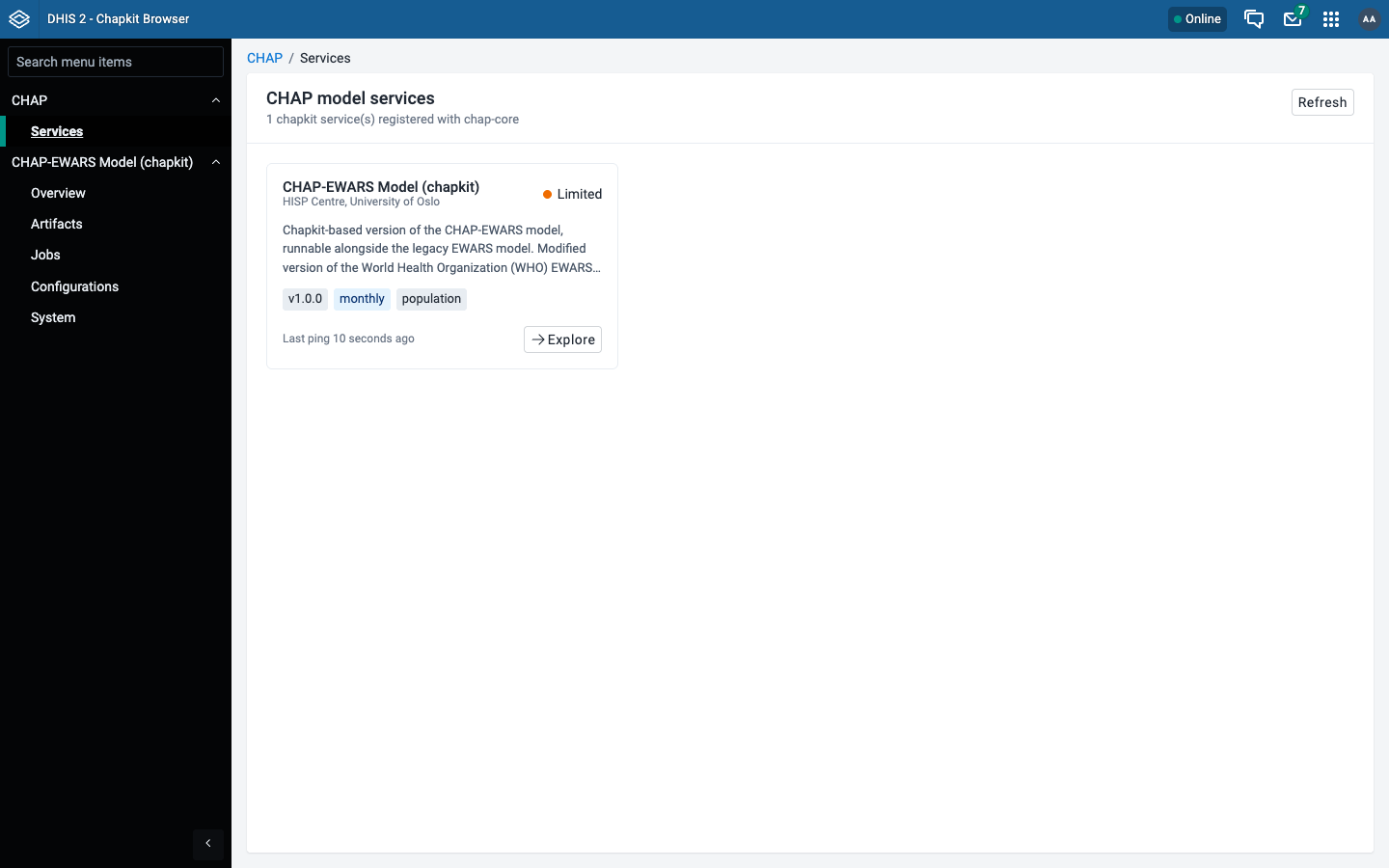
The landing page. Lists every chapkit model service registered with chap-core as a card, showing its display name, version, period type, required covariates, and registration status. Use Explore to drill into a service.
Service overview
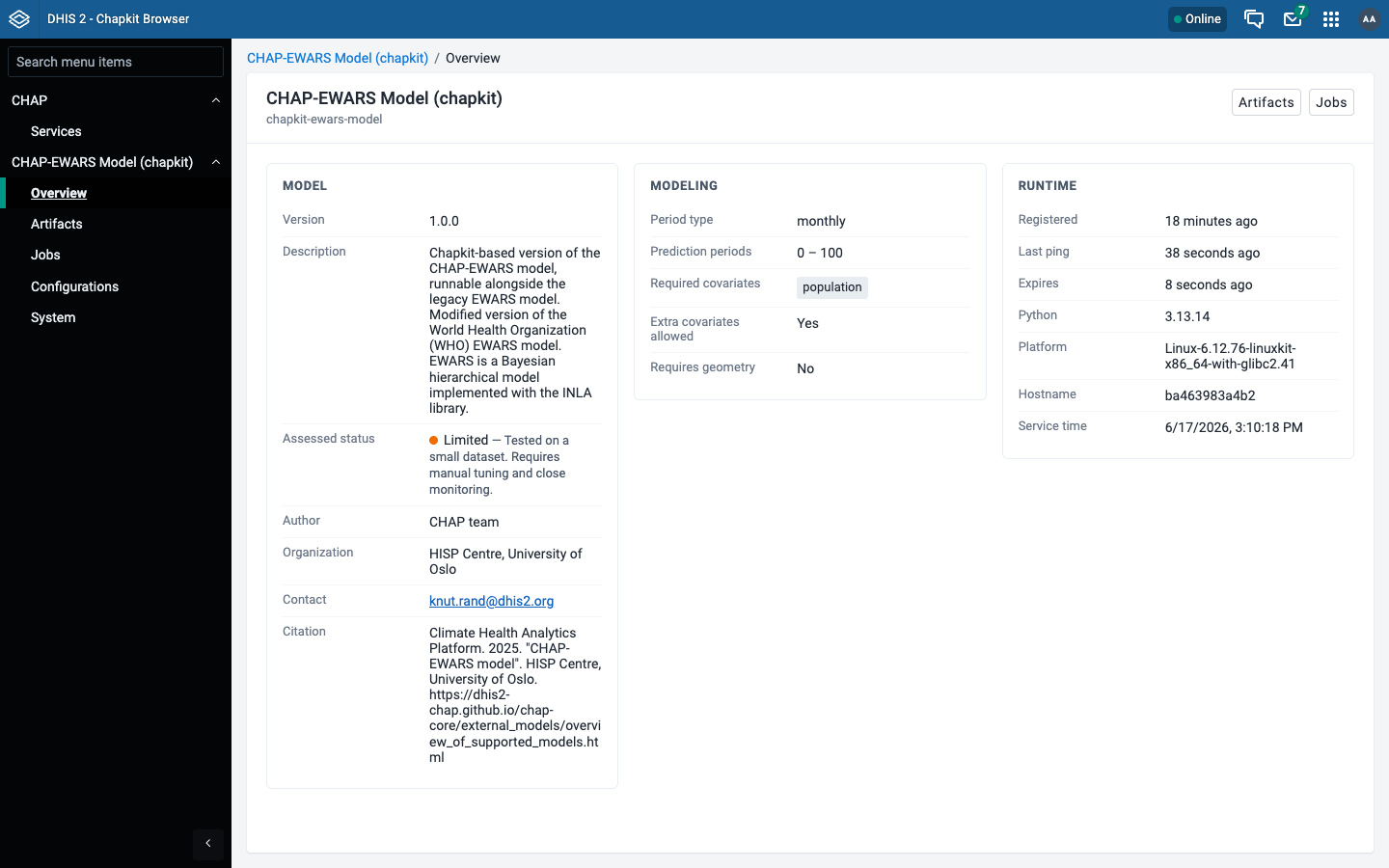
Detailed view for a single service, split into three columns:
- Model - version, description, author, organization, contact, citation, repository, and documentation links.
- Modeling - period type, prediction periods, required and extra covariates, geometry requirements.
- Runtime - registration time, last ping, expiry, Python version, platform, hostname, and service time.
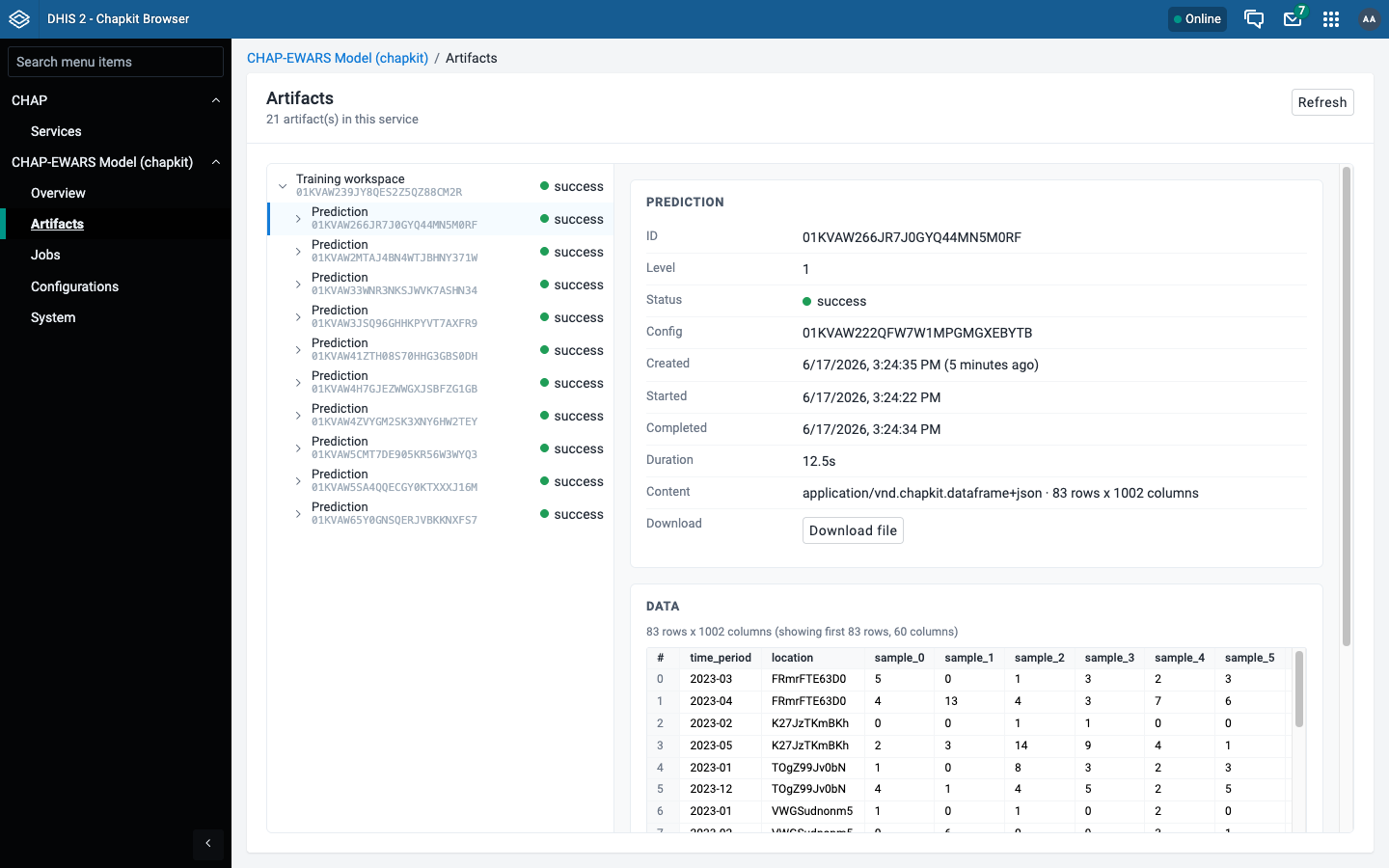
Artifacts
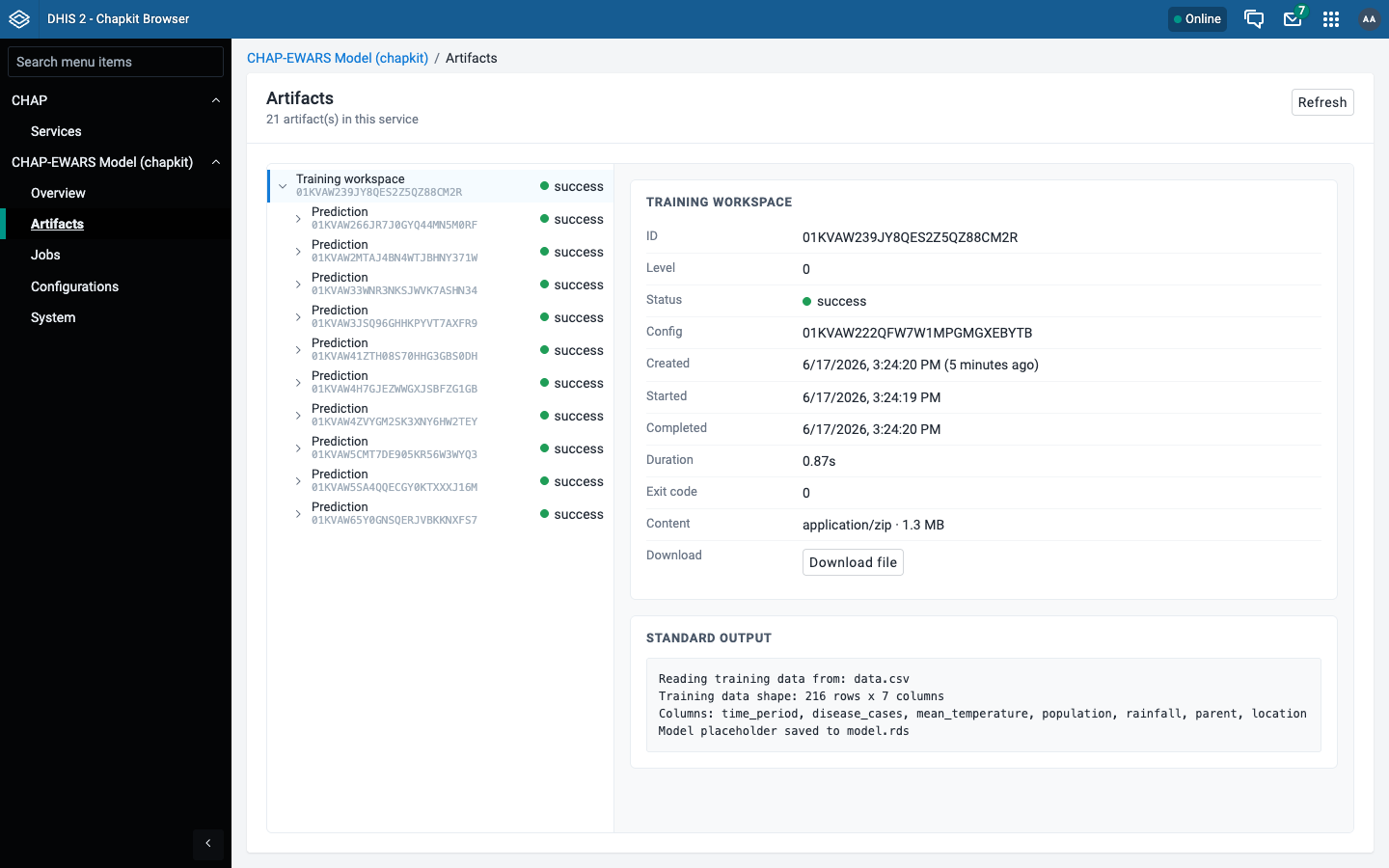
Model artifacts produced by the service - the outputs of evaluations and predictions, arranged as a hierarchy (a training workspace at level 0 with the prediction artifacts beneath it). Selecting an artifact shows its metadata, status, content type and size, the captured stdout, and a download link.
Dataframe artifacts (content type application/vnd.chapkit.dataframe+json) are previewed inline as a table - here a prediction result with its rows and columns rendered directly in the browser.
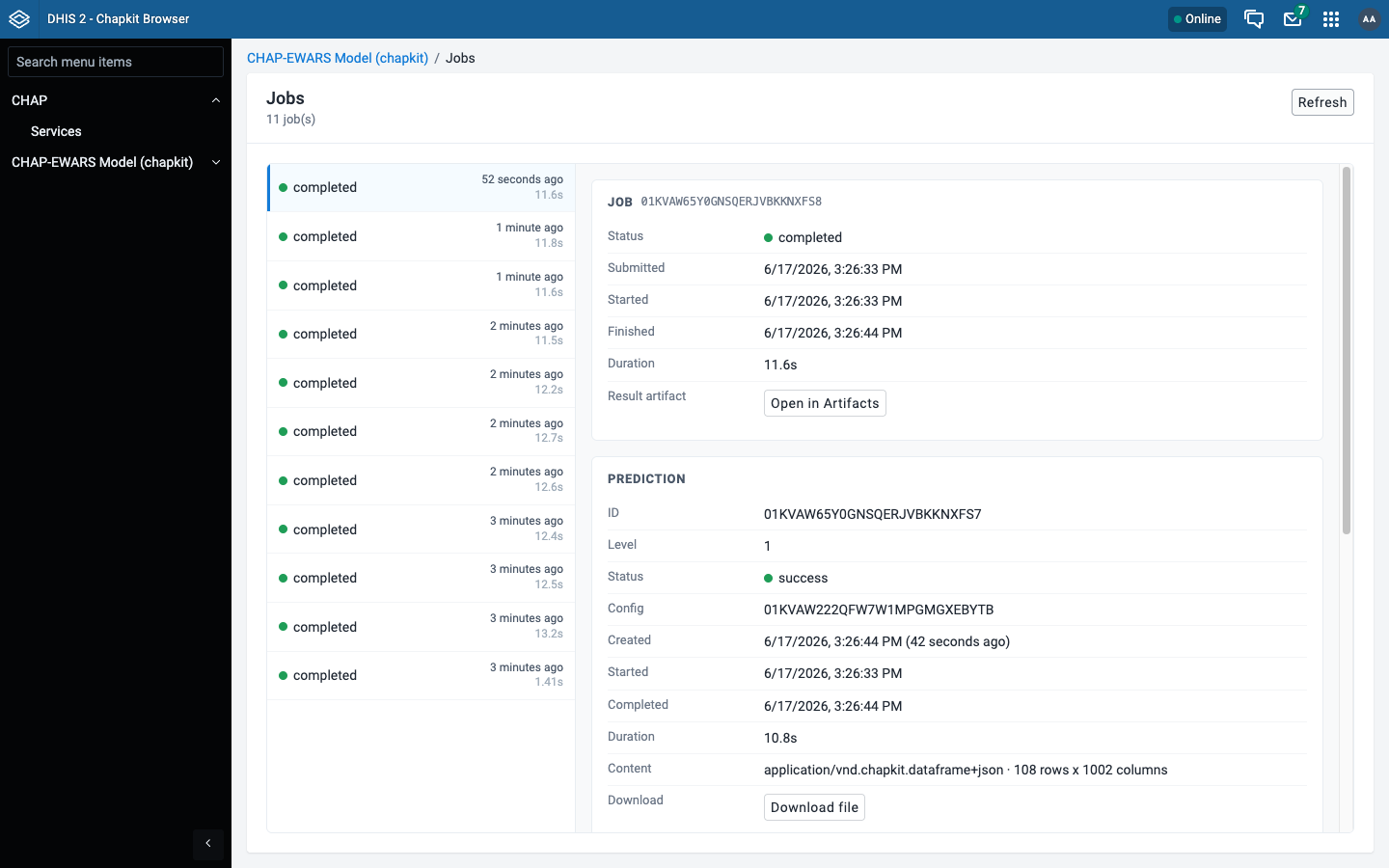
Jobs
The service's jobs and executions, with status and timing for each run.
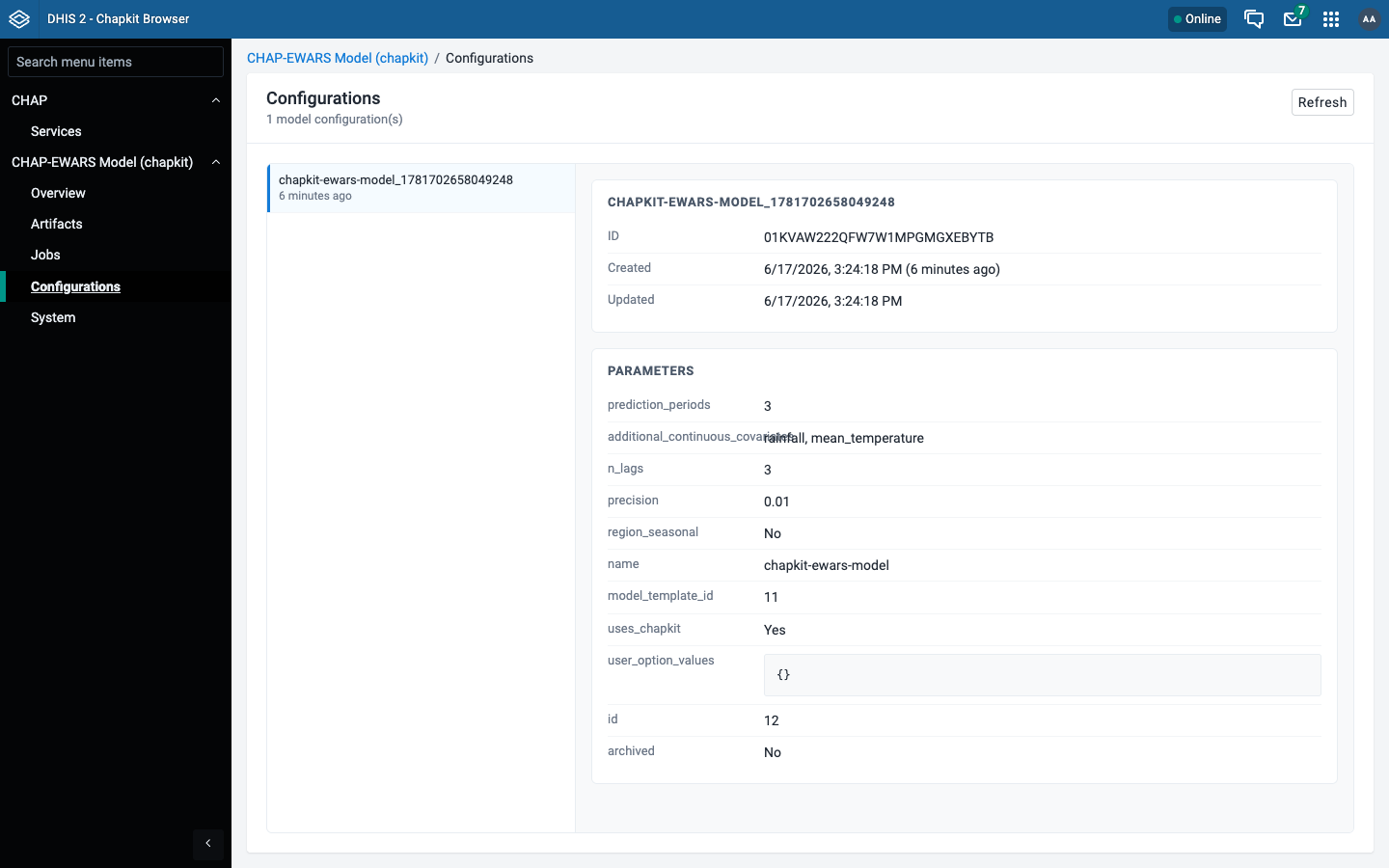
Configurations
The configurations registered with the service.
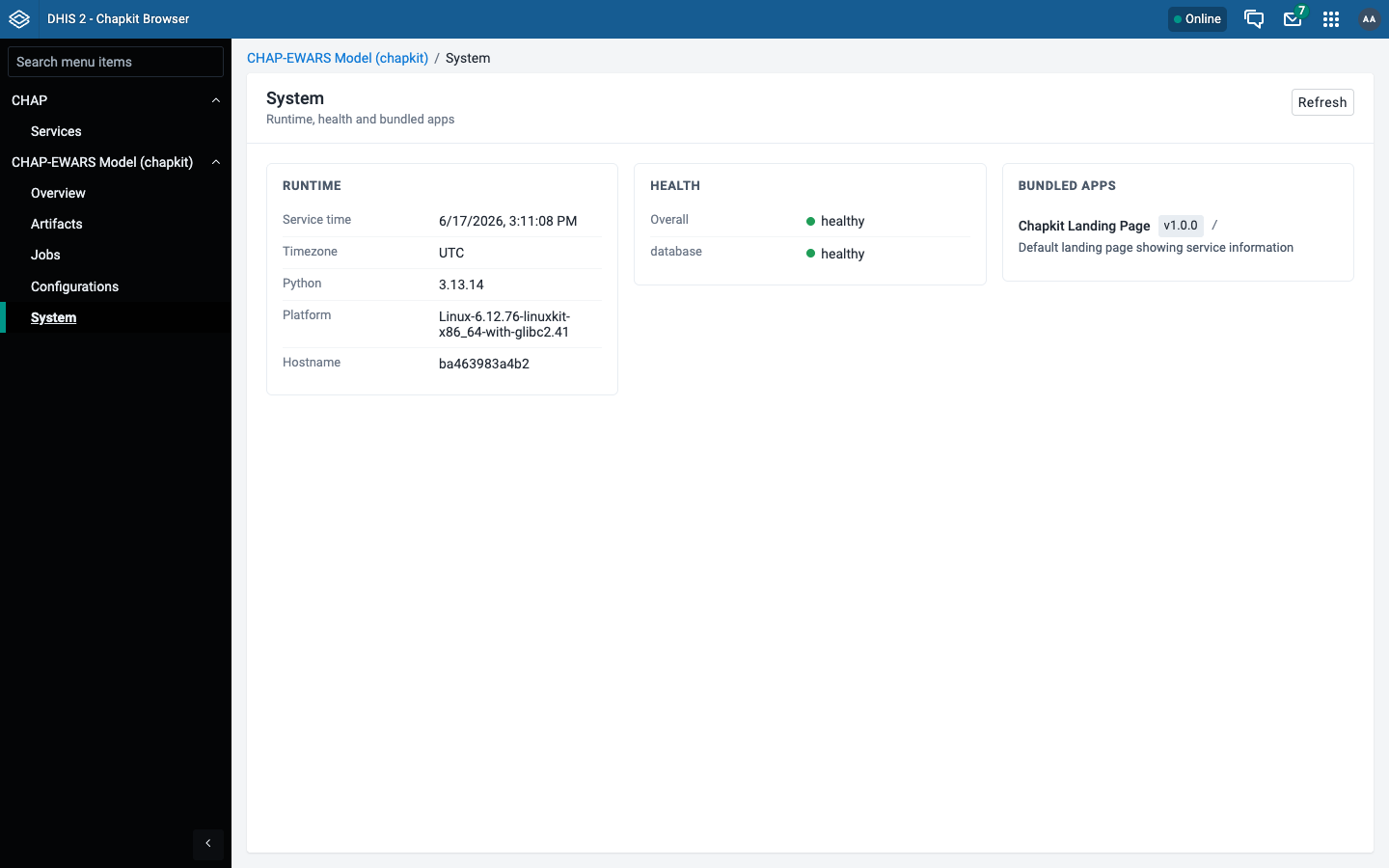
System
System-level information and diagnostics reported by the service.
Connection setup
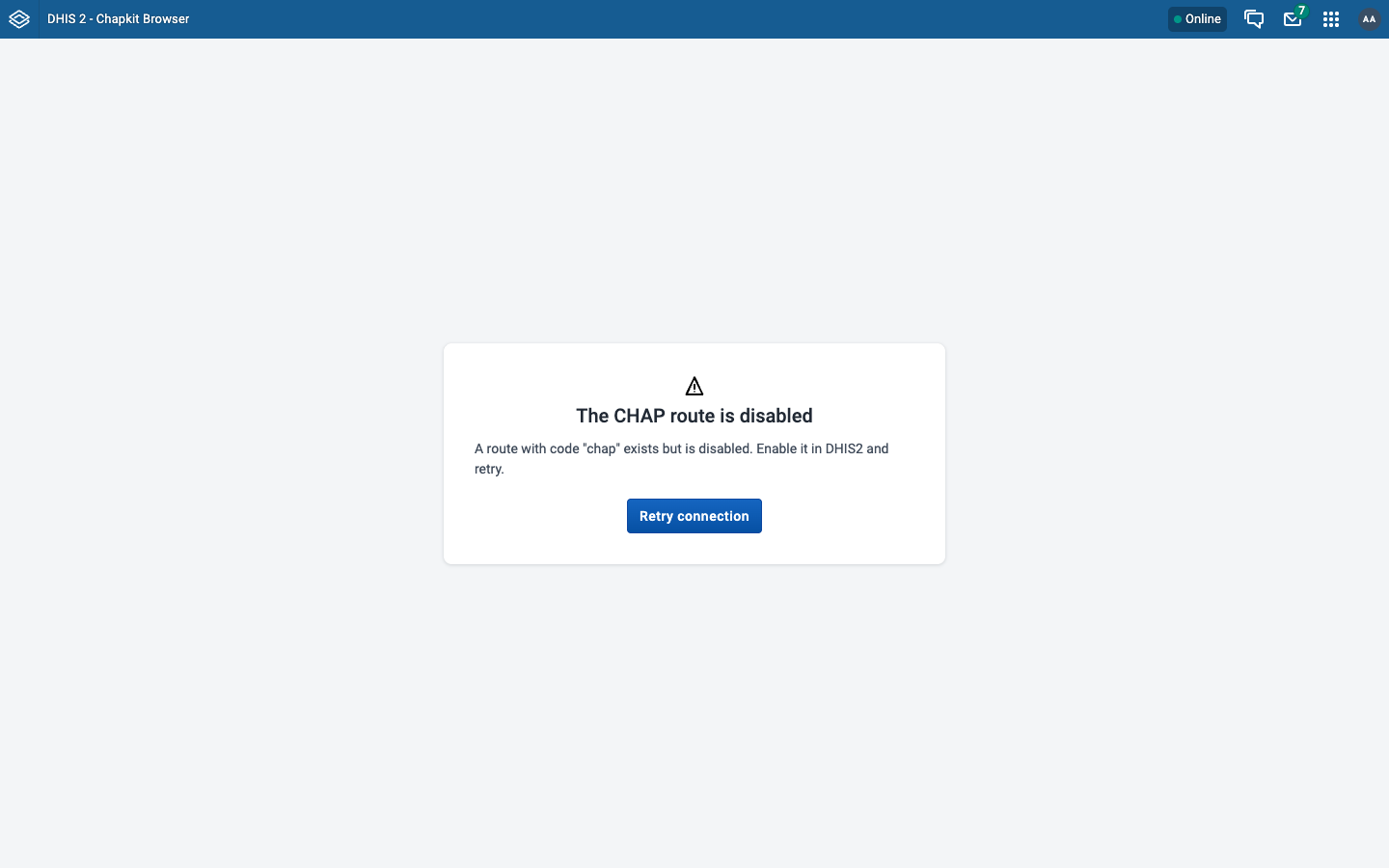
When no DHIS2 route with code chap exists, or chap-core cannot be reached through it, the app shows a setup screen explaining exactly what to fix instead of failing silently.